Adding or Deleting Input Busses
From the Insert menu, choose Input Bus (or click the Insert Input Bus button  in the Mixing Console window) to add an input bus to your project.
NOTE You can add up to 26 input busses, and you can change the number of busses at any time.
Add a bus

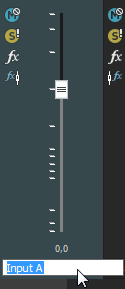
Rename a bus
Delete a bus
Last modified on July 01, 2026
Was this page helpful?
What did you particularly like about this page?
What did you dislike about this page?
Thank you for your feedback.