Phase Oscilloscope (Vectorscope)
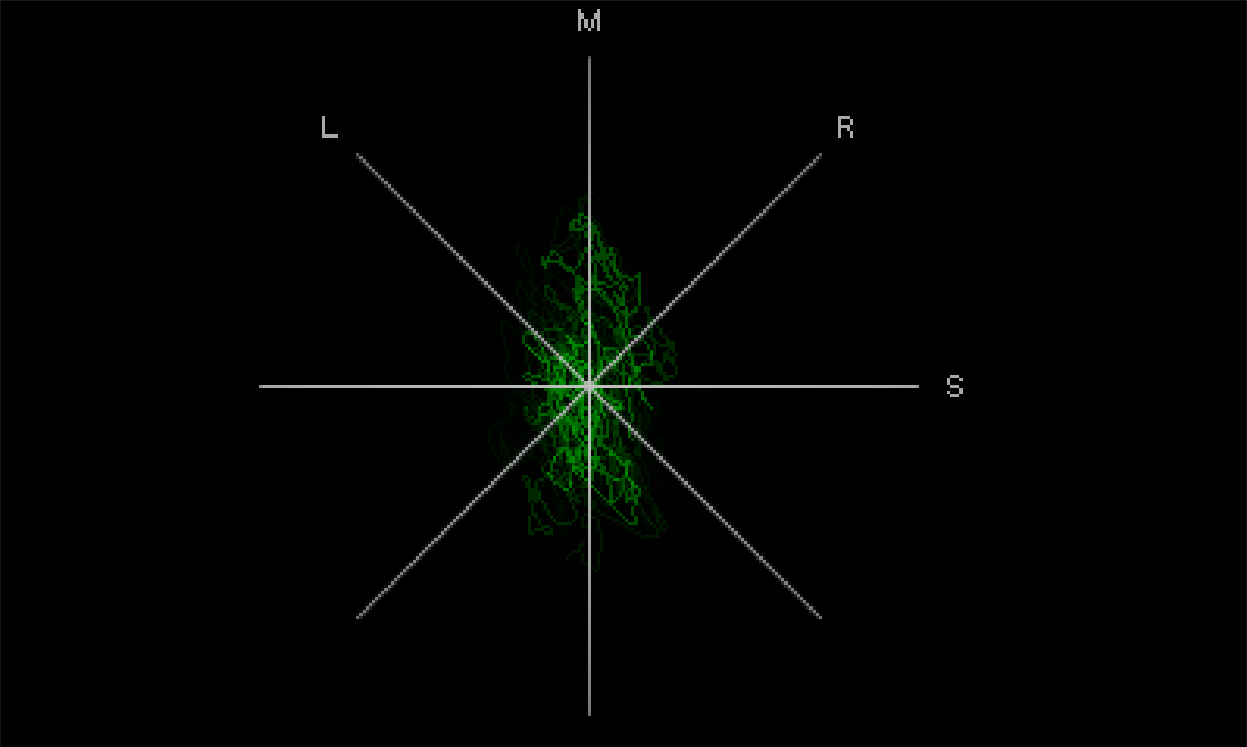
The Phase Oscilloscope gives you information about the distribution of the stereo image in your recording. A mono recording would be displayed as a vertical bar in this view. A stereo signal is by contrast shown as "diffuse ball," because multiple instruments were assigned to the mix in different panoramic positions.
The wider the display, the wider the stereo field of the recording. Note that this means that components of the signal are in phase opposition. The signal is less mono-compatible, as these signal components cancel each other out during mono playback.
If the signal display tends to be diagonal the stereo mix is not balanced. A channel would be accordingly louder than the other.
Settings dialog
You can select different grid lines: LR (left-right), MS (mid-side), LRMS (LR+MS) and Calibrate to calibrate signals.
Due to the Pre-amplification mode the image is always automatically enlarged in such a way that the readability of the distribution of the signal in the stereo image remains guaranteed even at different levels. You can also switch off this mode and set a constant amplification factor instead.
The curve is drawn on top of each other, only after a certain time older traces fade away, resulting in a graph that "averages" over a certain time. Speed determines how fast the curve fades. The slower, the denser and more diffuse the representation becomes. Finally, you can also set the Color of the curve.