Soundly Database Integration
This feature is only available in the Sequoia Suite version.
Soundly is a sound effects database that gets you access to a huge library of high-quality sound effects.
|
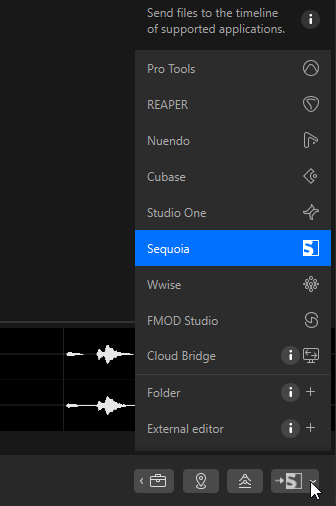
Once the Soundly App is installed, you can open the program via menu File > Soundly or a dedicated toolbar icon (hidden by default) directly from Sequoia. In Soundly, select Sequoia from the menu on the Send to… button at the bottom right, then import the selected files into the current project in Sequoia by clicking this button or pressing the S key. Note: Soundly provides audio files in several sample rates. When importing a file into an open project with a different sample rate, make sure you use the "convert file - offline resampling" option when importing it. When Sequoia isn't open, transferring a sample opens it with a new project and imports the sample. If you have different versions of Sequoia installed or installed it at a location different from the standard path, make sure you set the path to the program executable you want to use in the Soundly Settings. In Sequoia, you can select an object and use menu File > Search similar audio in Soundly to look for similar audio in the Soundly database. |

|
|