Event Envelopes (ASR)
You can apply envelopes to individual events. Events, known as ASRs (attack sustain, and release) give you the ability to control an event's fade-in, fade-out, and overall level.
When you create an event, handles are added that are used to set the envelope. As you drag these handles, a volume envelope appears.
Adjust an event's volume

 ), drag the volume
line to the desired level. As you drag the envelope, the event’s gain
is displayed in dB.
), drag the volume
line to the desired level. As you drag the envelope, the event’s gain
is displayed in dB.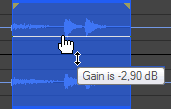
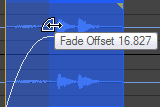
Fade an event in or out
 .
.
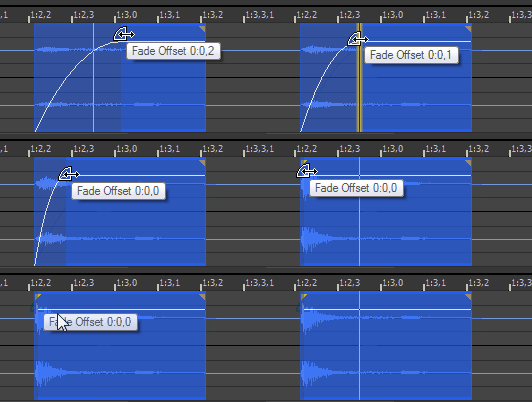
Change the fade type
Last modified on February 09, 2026
Was this page helpful?
What did you particularly like about this page?
What did you dislike about this page?
Thank you for your feedback.