Output
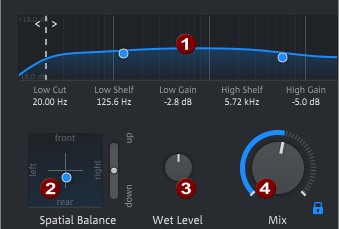
 to freeze the slider so that it won't change when you load a preset. This makes it easier to compare different presets within the context of a mix.
Last modified on June 09, 2026
Was this page helpful?
What did you particularly like about this page?
What did you dislike about this page?
Thank you for your feedback.