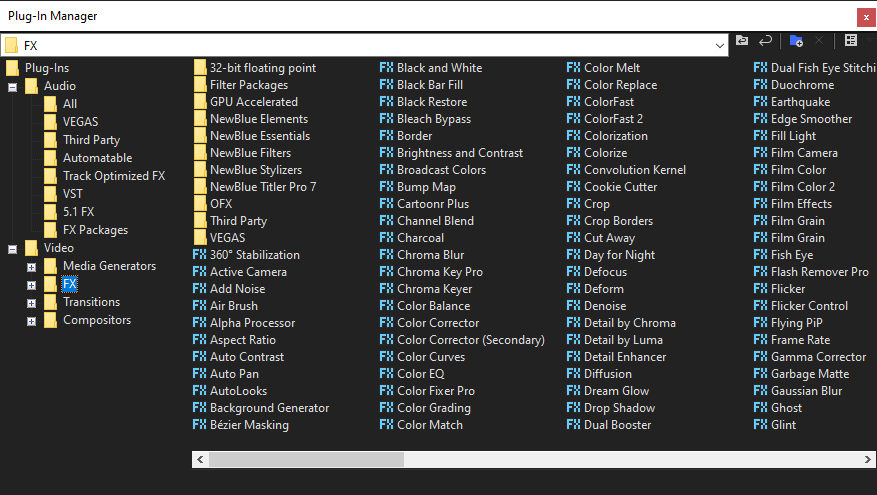
The Plug-In Manager Window
Choose View | Window | Plug-In Manager to toggle the display of the Plug-In Manager window.
You can use this window to access effects and effects packages that can be applied to events, tracks, and buses. This window also allows you to rename and reorganize plug-ins.
»For further information: Applying effects
TIP To add effects quickly, you can drag plug-ins and plug-in packages from the Plug-In Manager window to events, tracks, buses, and the Audio Plug-In, Video FX, or Video Preview windows.
Last modified on April 15, 2026
Was this page helpful?
What did you particularly like about this page?
What did you dislike about this page?
Thank you for your feedback.