Deleting Events
From the Edit menu, choose Delete to remove selected events or tracks or without copying them to the clipboard.
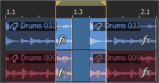
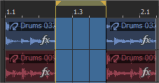
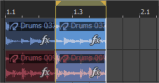
If you delete a time selection, events across all tracks are removed from the timeline. Events that extend beyond the time selection are split at each end of the time selection:
|
|
|
|
|
Time selection |
Events after delete |
Events after delete (ripple mode) |
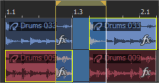
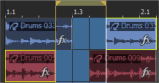
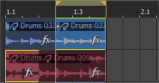
If you delete selected events within a time selection, the selected events are removed from the timeline. Selected events that extend beyond the time selection are split at each end of the time selection:
|
|
|
|
|
Time/event selection |
Events after delete |
Events after delete (ripple mode) |
TIP To remove the unused media from your project, choose Remove All Unused Clips from the Tools menu. To remove unused clips from
individual tracks, click the Remove Unused Clips button  in the Clip
Pool window.
in the Clip
Pool window.
Last modified on July 09, 2026
Was this page helpful?
What did you particularly like about this page?
What did you dislike about this page?
Thank you for your feedback.