Selection Snapping
From the Edit menu, choose Selection, and then choose a command from the submenu to force the edges of the current selection to the points you choose. Snapping helps you align your selection with items in the data window.
If you want to use automatic snapping when positioning the cursor and making selections, use the commands on the Options menu to enable snapping and set snapping options.
Snap to Grid
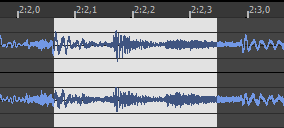
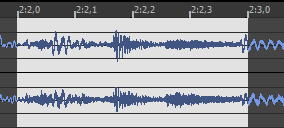
Snap Edge to Grid
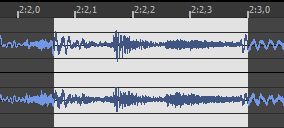
Snap to Zero


Snap Edge to Zero

Extend to Next Zero
Extend Edge to Next
Zero
Last modified on June 09, 2026
Was this page helpful?
What did you particularly like about this page?
What did you dislike about this page?
Thank you for your feedback.