Using Sections
With sections, you can create different arrangements using simple drag-and-drop operations.
Each section label above the timeline represents a segment of your project. When you drag a section label to a new location of the timeline, all events, envelopes, regions, commands, and markers within the section follow.
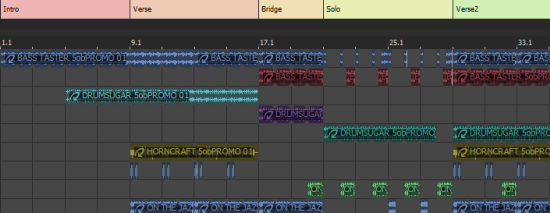
Insert a section
Adjust a section's length
 .
.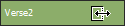 to extend or shorten it.
Rename a section
Change a section's color
Move (shuffle) sections
 is displayed to indicate where the section will be moved.
Copy a section
Delete a section
Move a section label
Remove a section label
Clear all events from a section
Last modified on July 09, 2026
Was this page helpful?
What did you particularly like about this page?
What did you dislike about this page?
Thank you for your feedback.